Referral program
Recommend Ultimo Bots and get paid for it. The referral program, called Partner program in the dashboard, pays you 20% of every payment a new customer you bring makes, by default for 12 months from their first payment.
If you work with website owners, run an agency, or simply like the product, the referral program turns each recommendation into ongoing income. You sign up once, receive a personal link, and share it. When someone you referred becomes a paying customer, you earn a share of each payment they make.
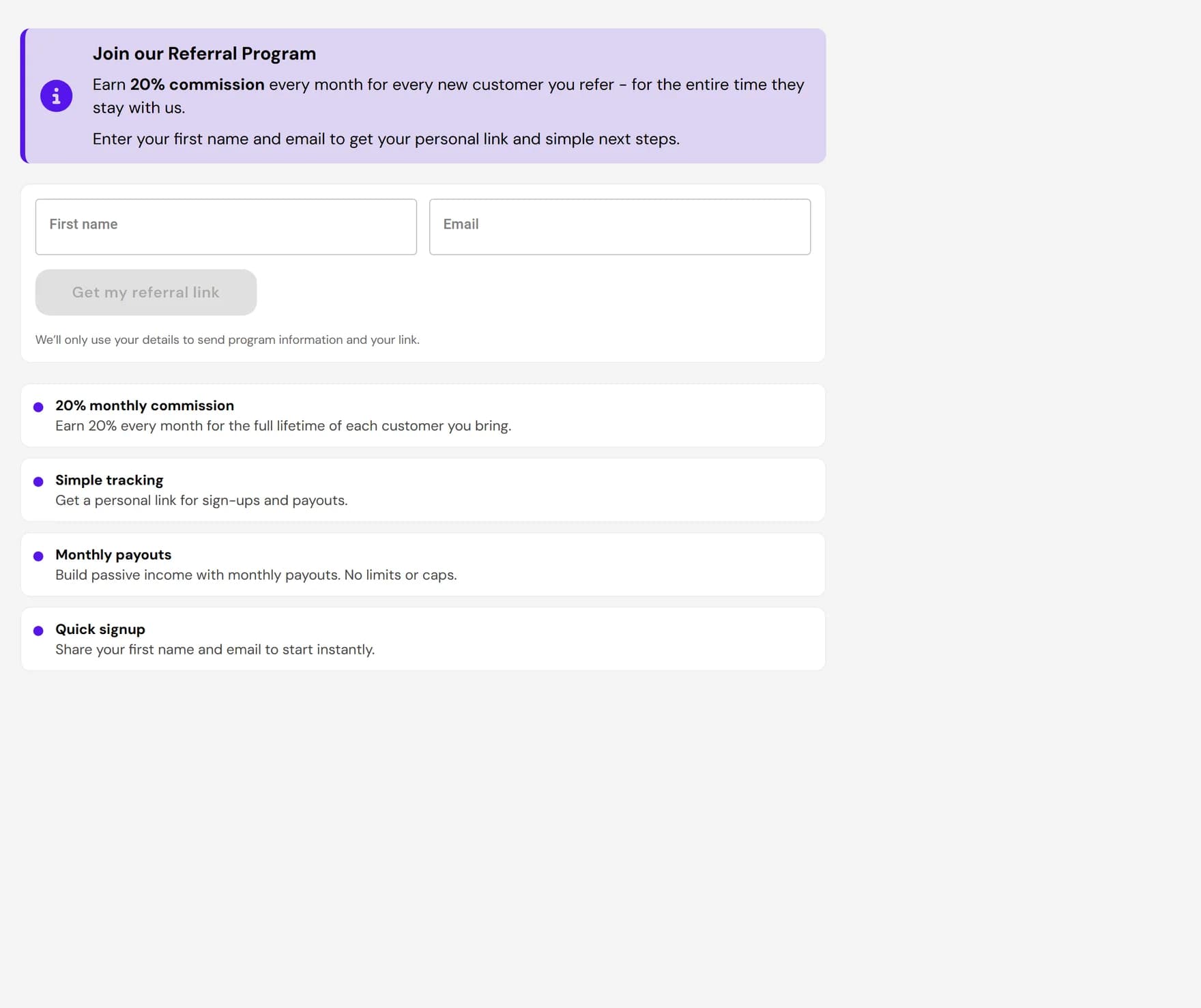
How the referral program works
The standard offer: earn 20% commission on every payment a customer you referred makes, for 12 months from their first payment. Your exact terms, rate and duration, are shown on the page before you join and stay visible under Your terms afterwards. Partners who signed up through the old form on our website keep 20% for as long as the customer stays when they join with the same email address.
- Recurring, not one-off. You earn on every payment within your term, not just once when the customer signs up.
- No limits or caps. There is no maximum number of customers you can refer and no cap on what you can earn.
- Per customer. The term runs separately for each referred customer from their first payment, so the more paying customers you bring, the more your commission grows.
Get your referral link
Joining takes one click. Your first link is created the moment you join, so you can share it right away.
Open Partner program
In the dashboard, open Partner program. You will see your commission, the program rules, and a link to the partner program terms.
Click Accept terms and join
By joining you accept the partner program terms. Nothing else is needed: no form to fill in and no paid plan.
Copy your link
Your link appears under Your links, with a copy button next to it. This first link leads to the sign-up page.
Share your link
Once you have your personal link, share it anywhere your audience is. The link is what connects a new sign-up back to you, so always use it rather than a plain link to the website.
- Direct outreach. Send it to clients or contacts who run a website and could use an AI agent to answer visitor questions and capture leads.
- Content and social. Add it to a blog post, newsletter, YouTube description, or social profile.
- Agencies and partners. Include it when you recommend tools to the clients you build or manage websites for.
How referrals are tracked and paid out
Each sign-up you send is tied to your personal tracking link, which is how we know a new customer came from you. Commission is then paid out monthly.
| Detail | What to expect |
|---|---|
| Commission rate | 20% of what each referred customer pays. |
| How long it lasts | 12 months from the customer's first payment (standard terms). |
| Tracking | Through your links: a new account that signs up within 90 days of a click counts for you. |
| Review | A commission becomes payable 30 days after the payment; refunds are deducted. |
| Payout frequency | Monthly, by bank transfer or PayPal, once $50 is payable. |
| Limits | No limits or caps on the number of referrals or total earnings. |
Terms and what to know
Before you start sharing, a few honest points so there are no surprises:
- Commission depends on real, paying customers. You earn on the payments an account you referred makes through Stripe. Sign-ups that never pay generate no commission, and plans billed through Wix or Shopify are not counted.
- It is tied to your link. Referrals are credited through your personal tracking link, so a customer needs to come through that link to count.
- Recurring means it can also end. Commission stops when your term for that customer ends, or earlier if the customer stops paying.
Next steps
Once you have joined and shared your link, here is where to go next: