Knowledge Base
Website Links
Your website is usually the fastest way to teach your agent. Add individual pages or let Ultimo Bots crawl your site, and the text on each page becomes knowledge your agent can answer from. You can refresh pages later so the answers stay current.
Website links live under Knowledge Base → Website links in the dashboard. Each link is one page of your site. Ultimo Bots reads the readable text from that page, stores it, and uses it to answer visitor questions. Images, navigation menus, headers, and footers are stripped out, so the agent learns from the actual content rather than the page chrome.
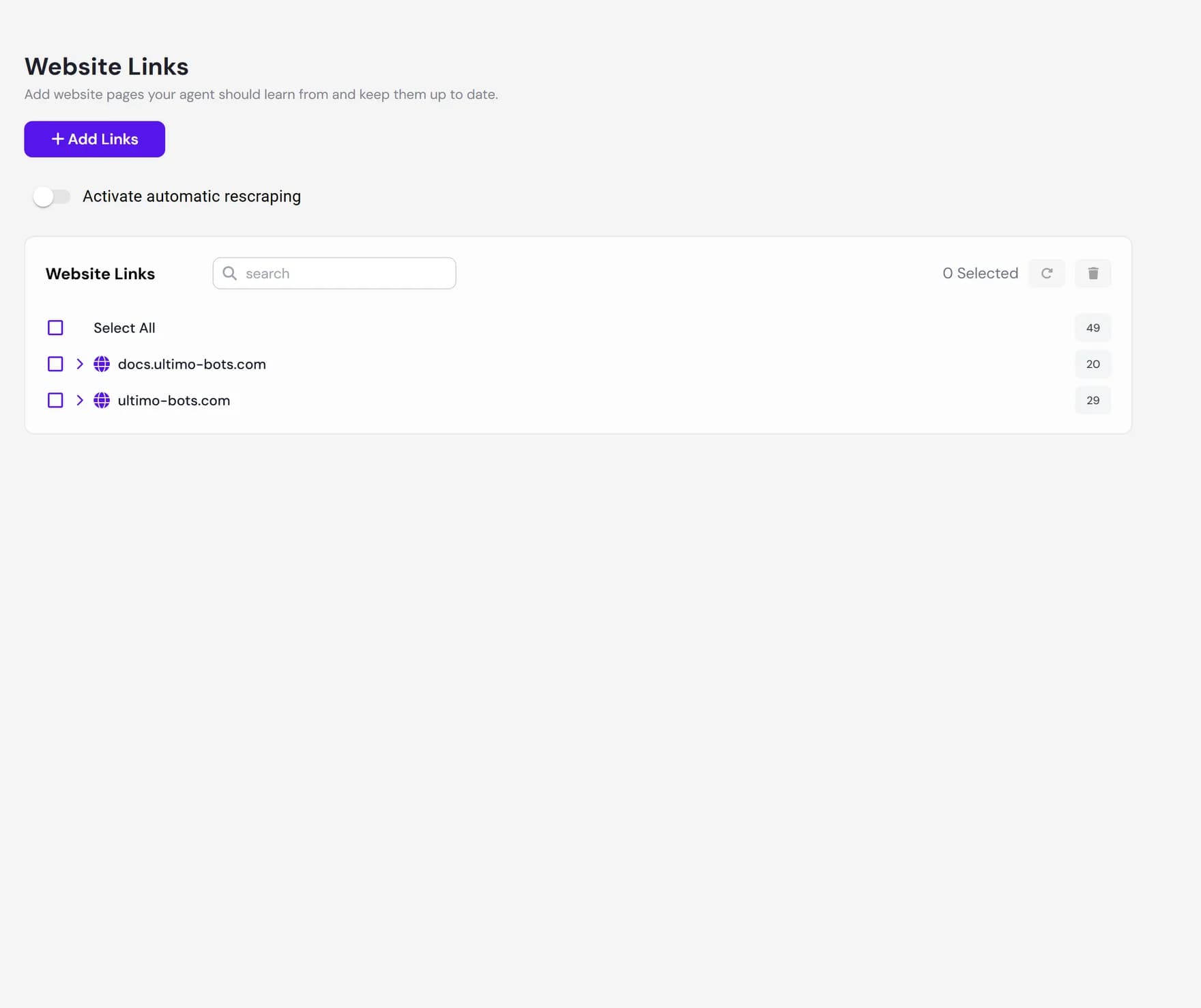
Add pages or crawl your site
Click Add website links to open the add dialog. It has two ways to bring in pages, depending on whether you already know the exact URLs or you want Ultimo Bots to find them for you.
Crawl new links (discover pages automatically)
Enter your site address, for example
https://www.your-company.com, or paste the address of your sitemap. Ultimo Bots crawls the site and comes back with the pages it found, split into three groups: pages that are new, pages that are already in your knowledge, and pages it could not find anymore. You then tick the ones you want and choose to add, re-scrape, or remove them. Nothing is added until you confirm.Manual input (paste exact URLs)
Switch to the manual tab and paste one or more exact page addresses, one per field. Use the button to add more rows. This skips discovery and simply adds the specific pages you list, which is handy when you only want a handful of known pages.
/sitemap.xml. Starting from the sitemap lets the crawler use your own list of pages instead of guessing from links, which tends to find the right pages faster.How crawling works
When you crawl a site, Ultimo Bots does not blindly follow every link. It works in a clear order so it lands on real content pages and ignores assets and boilerplate.
- Sitemap first. The crawler checks your
robots.txtand the usual sitemap locations (such as/sitemap.xmland/sitemap_index.xml). If it finds a sitemap, it uses that list of pages as the starting point. - Otherwise it follows links. If there is no sitemap, it starts at your homepage and follows links it finds, going a couple of levels deep into the site.
- Same site only. It stays on your domain. Links to other websites, social profiles, and external tools are skipped.
- Content, not files. It skips images, videos, stylesheets, scripts, and downloadable files such as PDFs, plus common privacy and legal-notice pages. To add a PDF or other file as knowledge, use Documents instead.
Page status
After you add pages, each one shows an icon so you can see at a glance whether it has finished. Reading happens in the background, so a page may sit in the scraping state for a short while before it is ready.
| Status | What it means |
|---|---|
| Scraping | The page is being read right now. It cannot be previewed or selected until it finishes, and you will see a small spinner next to it. |
| Completed | The page was read successfully and its text is now part of your agent knowledge. You can preview it or re-scrape it. |
| Failed | The page could not be read, often because it was unreachable or had no usable text. Try re-scraping it, or remove it and add a different page. |
Preview the extracted content
Knowing a page was added is not the same as knowing what your agent read from it. Click the preview button on any completed page to open the exact text Ultimo Bots extracted. This is the single most useful check before you trust an answer.
- If the preview shows the real page text, the agent has what it needs.
- If the preview is mostly empty, very short, or full of cookie-banner or menu text, the page probably needs JavaScript to load, or its content sits behind something the crawler cannot reach. Re-scrape it, or add the same information as a document or Q&A.
The search box at the top of the list lets you filter by URL, which is the fastest way to find a single page when you have crawled a large site.
Keep pages fresh with re-scraping
Your website changes over time, but the text Ultimo Bots stored does not change by itself. Re-scraping reads a page again and replaces the stored text with the current version, so the agent stops answering from outdated content.
- Manual re-scrape. Select one or more pages and choose Re-scrape (the action). The pages return to the scraping state and refresh in the background. This is available on every plan, and each refreshed page is read again the same way it was first added.
- Automatic re-scraping. Open the re-scraping settings to have Ultimo Bots refresh chosen pages on a schedule, so you do not have to come back and do it by hand.
Remove pages
To drop a page, select it and remove it, or use the per-row controls. Removing a page deletes the stored text and frees a slot against your knowledge limit, so the agent immediately stops using that page in its answers. Removal is permanent, so a confirmation step guards bulk deletes to prevent mistakes. If you only want to update a page rather than drop it, re-scrape it instead of removing and re-adding it.
What it does not do
Website links are powerful, but the crawler reads public pages the way an ordinary visitor would. A few honest limits are worth knowing before you rely on it.
Next steps
Round out your agent knowledge with the other sources in the knowledge base: