Knowledge Base
FAQs
FAQs are hand-written question and answer pairs you add to your agent. They are the one knowledge type where you write the answer yourself, so they are the best way to lock in the exact wording for the questions that matter most.
Most of your agent's knowledge is extracted automatically from your website and your documents. FAQs are different. There is no crawling and no file parsing: you type the question, you type the answer, and the agent learns it directly. That makes them ideal for answers that are not written anywhere a crawler can reach, or for replies you want phrased a very specific way.
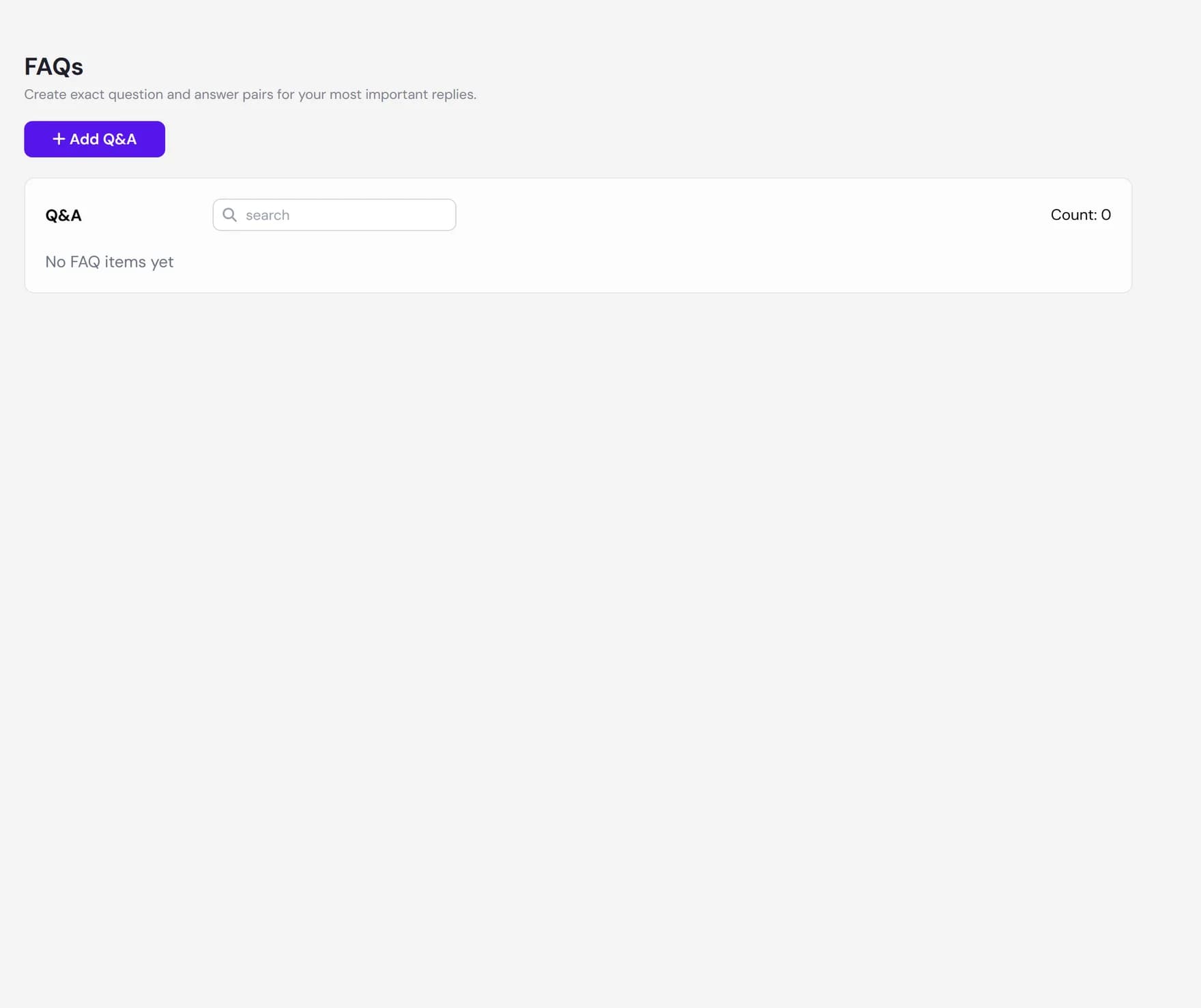
You manage FAQs from the Q&A section of your Knowledge Base in the dashboard. Each pair sits alongside your other knowledge and is searched the same way at chat time.
What FAQs are for
Reach for an FAQ when you want control over a specific answer. Good candidates include:
- Your most important answers. Pricing summaries, opening hours, shipping or return policies, booking steps, the questions visitors ask every day.
- Answers that are hard to crawl. Facts that live in a staff member's head, in a PDF you would rather not upload in full, or behind a form your agent cannot reach.
- Answers you want worded carefully. Anything where the exact phrasing matters and you do not want to depend on what a crawler happened to pick up from a page.
How FAQs differ from website and document knowledge
Website and document knowledge are extracted: Ultimo Bots reads the source and pulls out whatever text it finds. You do not control the wording, only the source. An FAQ is authored: you write both the question and the answer, so you control the wording exactly.
| Knowledge type | Where the text comes from | Who controls the wording |
|---|---|---|
| Website links | Crawled from your pages | Whatever is on the page |
| Documents | Parsed from uploaded files | Whatever is in the file |
| FAQs | Typed by you | You, exactly |
One practical difference: because an FAQ is static text you wrote, it is never refreshed by rescraping. A crawled page can change the next time it is read, but an FAQ only changes when you edit it.
Adding, editing, and deleting pairs
Open the Q&A section, then use the controls below. Every pair has three fields: a Title, a Question, and an Answer. The title is a short label for your own list, the question is what a visitor might ask, and the answer is what you want the agent to know.
Add a pair
Click Add Q&A. Enter a title, a question, and an answer. The answer field is a rich-text editor, so you can use bold, italic, underline, bullet or numbered lists, and links. It supports text formatting, lists, and links only: you cannot add images, video, or code blocks to an answer. The answer is limited to 2000 characters of visible text. All three fields are required before you can save.
Edit a pair
Use the pencil icon on any row. The editor opens with the current title, question, and answer filled in. Save your changes and the agent re-learns the updated pair.
Delete a pair
Use the trash icon and confirm. Deleting a pair removes it from your agent's knowledge, so it stops being used in answers. You can also preview a saved pair with the eye icon to see exactly how the question and answer were stored.
Best practices
FAQs work best when each one is small and focused. A few habits that help:
- One clear answer per question. Keep each pair to a single topic. If you find yourself answering three things in one pair, split it into three.
- Write the question the way a visitor would ask it. Use natural, everyday wording rather than internal jargon. The closer the question is to how people actually phrase it, the more reliably the agent matches it.
- Keep the answer self-contained. Avoid "see above" or references to other pairs. Each answer is retrieved on its own, so it should stand alone.
- Use FAQs for the answers you most want to get right, and let your website and documents cover the long tail. You do not need an FAQ for everything.
How the agent chooses an FAQ answer
At chat time your agent does not look in a separate FAQ list. Every pair lives in the same knowledge base as your pages and files. When a visitor asks something, the agent rewrites the question into a clear search, looks across all of your knowledge for the closest matches, and uses what it finds to write a reply in the flow of the conversation. A well-matched FAQ is simply one of the strongest things it can find.
FAQs are also knowledge only. They are not published as a separate public FAQ page on your site, there are no categories or tags to group them, and there is no separate per-language version of a pair. If you need the same question answered in two languages with fixed wording, add a pair for each language.
Next steps
Round out your agent's knowledge and shape how it answers: