Knowledge Base
Knowledge Base overview
The knowledge base is everything your agent is allowed to talk about. You add sources such as website pages, documents, and Q&As, and your agent uses them to answer your visitors. This page explains how it all fits together before you dive into a specific source type.
Every source you add lives in one shared place, no matter where it came from. A scraped web page, an uploaded PDF, a hand-written Q&A, and a file imported from Google Drive all sit together in the same knowledge base for that agent. You manage them from the Knowledge Base area of the dashboard, with one tab per source type.
How your agent uses the knowledge base
Your agent does not memorise your content. Instead, it looks things up the moment a visitor asks a question. Behind the scenes, every source is split into small passages, and each passage is turned into a searchable representation (an embedding) so the agent can find the passages most relevant to a question.
When a visitor sends a message, the agent:
- Searches your knowledge base for the passages that best match the question.
- Reads those passages, along with a little surrounding context from the same source.
- Writes an answer grounded in what it found, rather than guessing.
This is why the quality of your answers depends on what you put in. The more clearly your content covers a topic, the better your agent can answer questions about it.
The seven source types
You can build a knowledge base from any mix of the following sources. Each has its own tab in the Knowledge Base and its own dedicated guide. They all feed the same agent, so you can combine them freely.
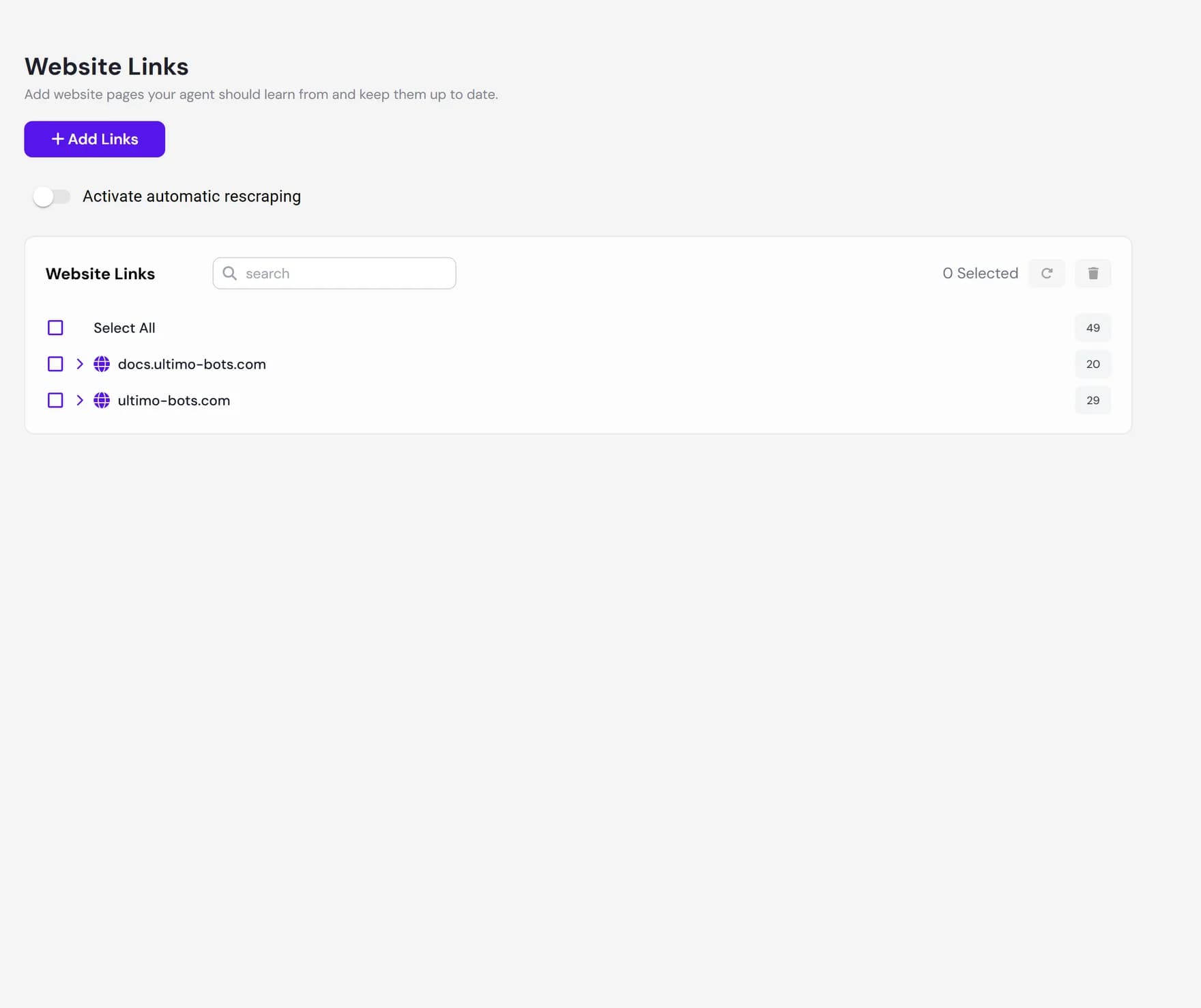
- Website links. Pages from your public website. Ultimo Bots reads each page and learns from its text.
- Documents. Files you upload, such as PDF, DOC, DOCX, RTF, TXT, CSV, and Markdown. The text is extracted automatically.
- FAQs. Exact question-and-answer pairs you write yourself, for replies you want to control word for word.
- Business Context. A free-text note about your business that the agent can draw on, separate from your website.
- Google Drive. Files imported from your Google Drive after you connect your account.
- OneDrive. Files imported from Microsoft OneDrive after you connect your account.
- Notion. Pages and databases imported from your Notion workspace.
| Source type | Best for |
|---|---|
| Website links | Content already published on your site: products, services, pricing, and company pages. |
| Documents | Material that is not on your website, such as handbooks, product sheets, and price lists. |
| FAQs | Common questions where you want one exact, on-brand answer every time. |
| Business Context | Background facts and tone, like opening hours or how you want the agent to describe you. |
| Google Drive | Teams who keep their reference files in Google Drive. |
| OneDrive | Teams who keep their reference files in Microsoft OneDrive. |
| Notion | Teams who keep help articles or internal knowledge in Notion. |
The status lifecycle
When you add a source, it does not become answerable instantly. Ultimo Bots reads the content, splits it into passages, and makes it searchable. Each source shows a status while this happens, and the list updates live, so you do not need to refresh the page.
| Status | What it means |
|---|---|
| Scraping Processing | The source is being read and prepared. It shows a spinner and cannot be answered from yet. Large sites and big files take longer. |
| Completed | The source is ready and your agent can answer from it on the next message. |
| Failed | The source could not be read, for example a page behind a login or a file with no readable text. Nothing was added for it. |
Preview, refresh, and delete
Once a source is ready, three actions help you keep your knowledge base accurate. They are available from the source list, and from each source type tab.
Preview what the agent received
Use the view action on any completed source to open a preview of the exact text Ultimo Bots extracted from it. This is the single most useful check when an answer looks wrong: if the text is missing or garbled in the preview, the agent never had it either, and you can fix the source instead of guessing.
Keep sources fresh with rescraping
Your content changes over time. Website pages and imported files keep the text they had when you added them until you refresh them. You can do this in two ways:
- Manual rescrape. Select one or more website pages, or imported Drive, OneDrive, or Notion items, and rescrape them on demand. Ultimo Bots reads the latest content and replaces the old version in place.
- Automatic rescraping. Set a schedule so chosen sources refresh on their own, with options to also pull in new pages and remove pages that no longer exist. See the source guides for the exact options per type.
Delete sources you no longer need
Remove a single source, or select several and delete them together. Deleting a source removes both its stored text and the searchable data behind it, so your agent stops answering from it right away. Deleting frees up room against your plan limit.
Plan limits
Your plan sets how many sources an agent can hold in total, counted across every type together. Website pages, documents, FAQs, and Drive, OneDrive, and Notion imports all share the same allowance, so a thousand pages and a thousand uploaded files draw from the same budget. Business Context is a single free-text note, so it does not count against this allowance.
What the knowledge base does not do
- It does not answer from outside your sources. Your agent only uses the content you add. It does not browse the live web during a chat or pull in general knowledge.
- It does not update on its own unless you ask it to. A source keeps its content until you rescrape it manually or set up automatic rescraping. Editing your website does not change what the agent knows until the page is rescraped.
- It cannot read what it cannot reach. Pages behind a login, files with no readable text, and image-only documents may come back as failed or with little content.
- It is not instant. New and rescraped sources go through a short processing step before the agent can answer from them.
Where to go next
Pick a source type to start adding knowledge: